WatchDemo for Windows
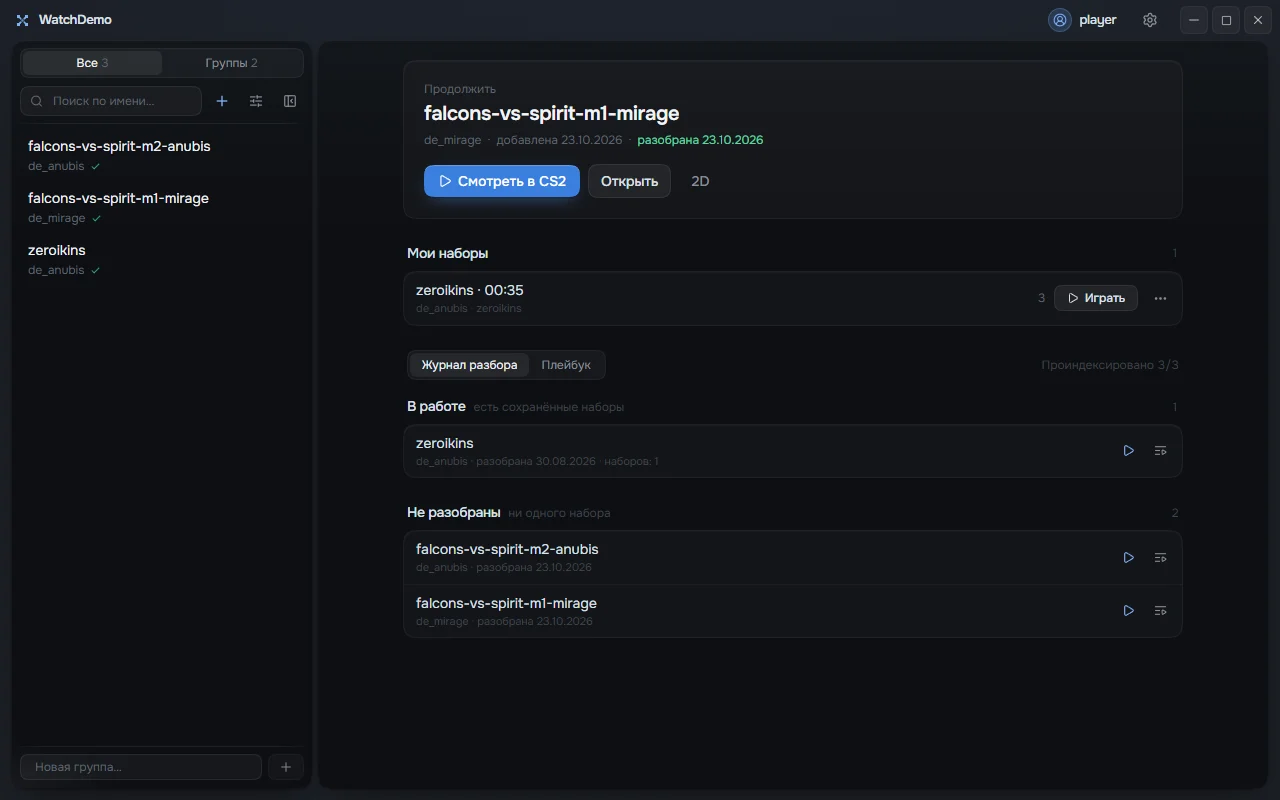
A CS2 demo manager. You run the installer once, after that the app updates itself.
Install
Run the downloaded file. The app installs into your user folder, no administrator rights needed.
If Windows shows the SmartScreen window «Windows protected your PC», click «More info», then «Run anyway». It appears because the installer is not signed with a certificate yet.
Open WatchDemo and sign in with your site account. Your email has to be confirmed. No account? Sign up
What you need
- System
- Windows 10 or Windows 11, 64-bit.
- WebView2
- Microsoft Edge WebView2 Runtime. Windows 11 already has it. If it is missing, the installer downloads it, so stay online.
- CS2
- Installed through Steam. Needed to watch in the game, everything else works without it.
- Account
- A watchdemo.pro account with a confirmed email.
Updates
On launch the app checks this server. When a new version is out, it downloads it, checks the signature and installs it. No need to download the installer again.
All versions