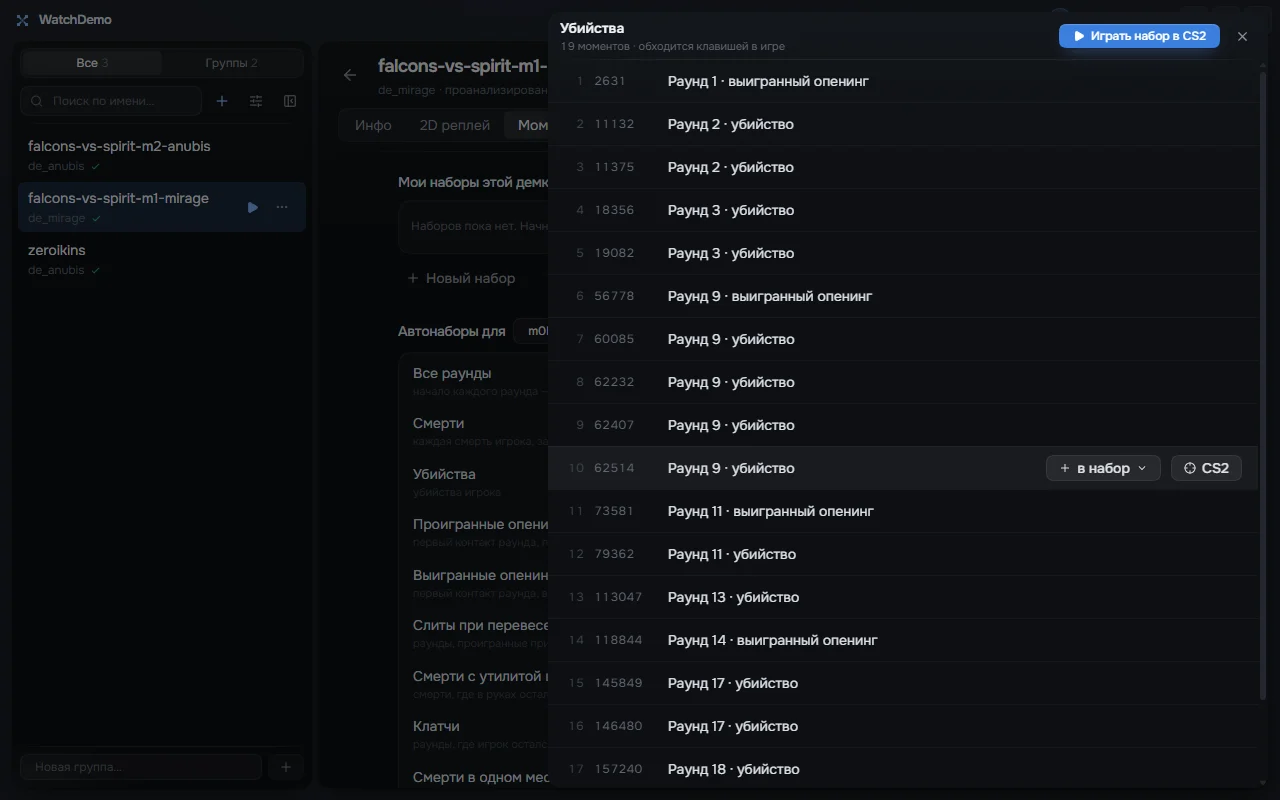
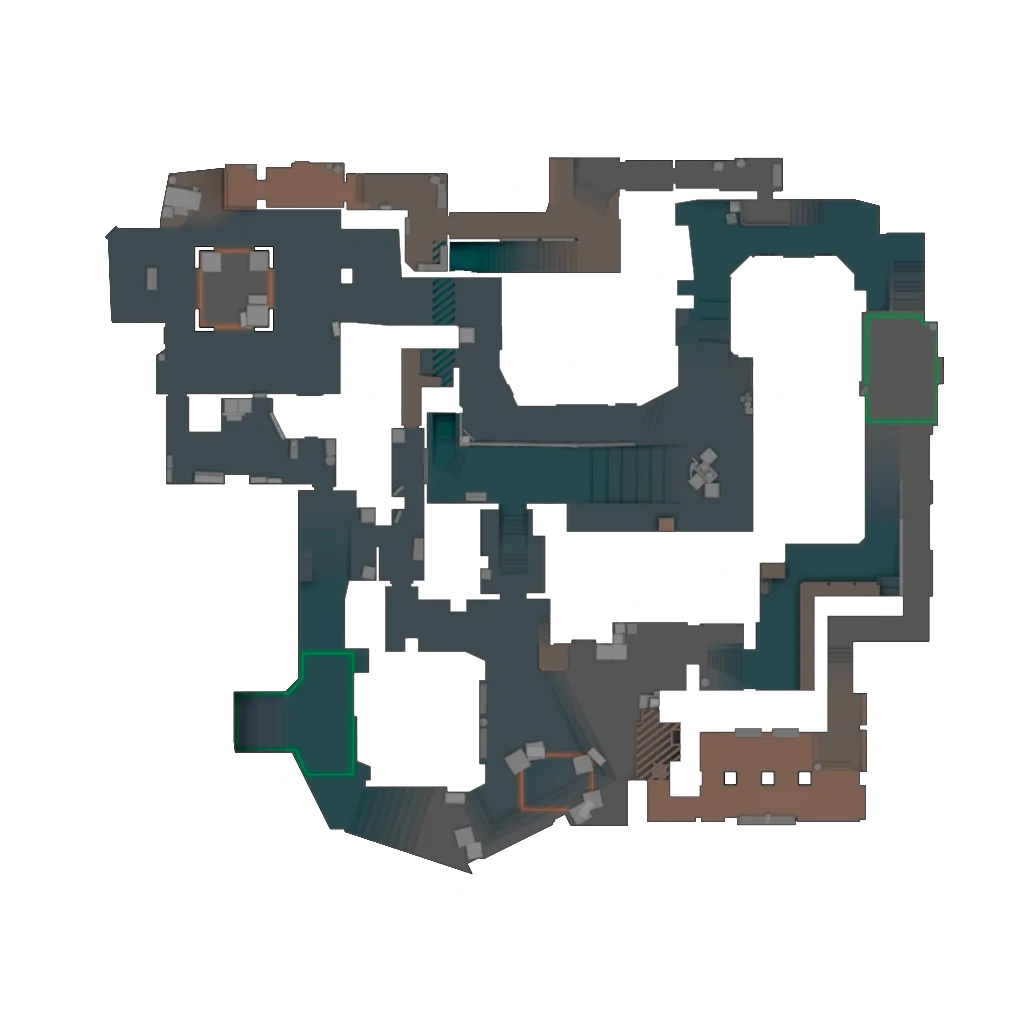
Mark moments in the 2D replay and they become a set. “Play set in CS2” opens the demo at the first moment, and the keys below step through the set inside the game.
F8Next moment
F7Previous moment
F6Replay current
F9Reload set
You can rebind them in the app settings.
Auto sets find the moments for you
0:45 first kill
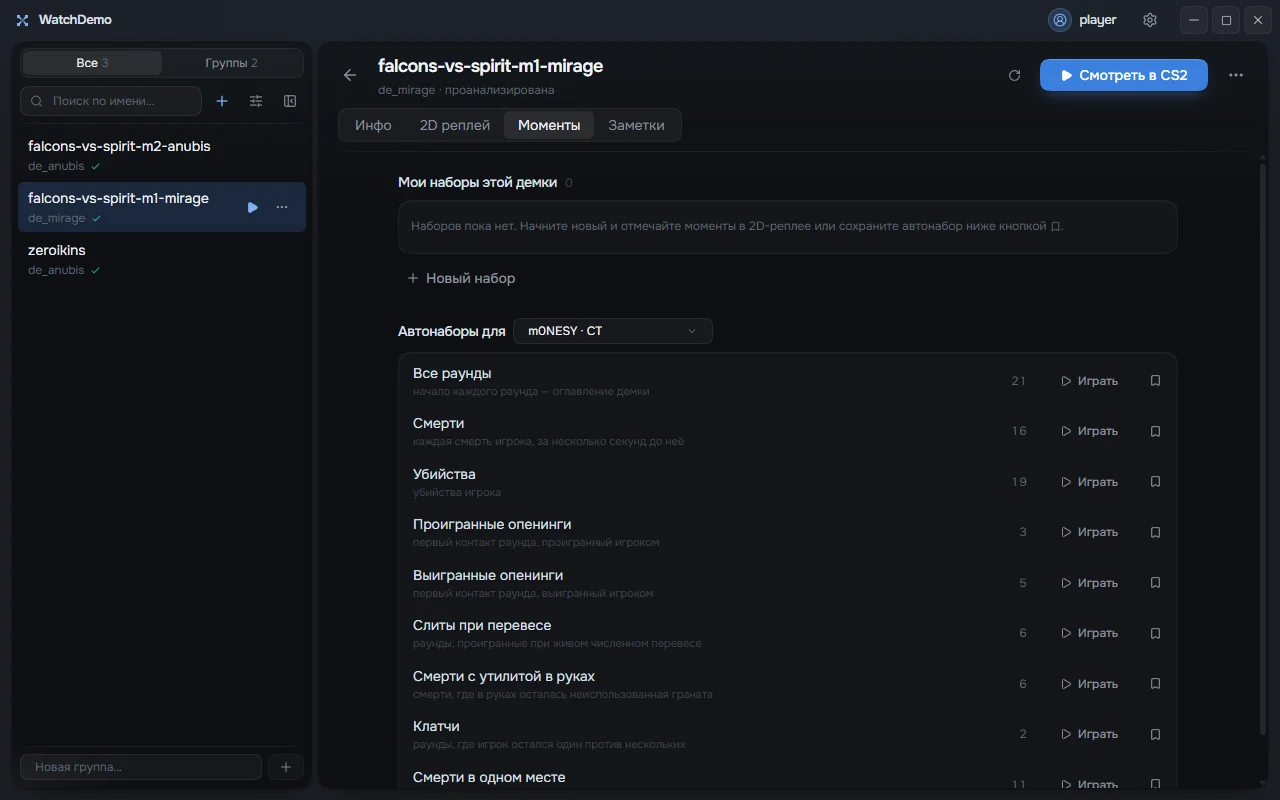
After analysis a demo is split into auto sets for every player: kills, deaths, won and lost openings, clutches, deaths with utility still in hand. Play an auto set in CS2 as a whole or save it to your sets.
2D replay with voice
0:53 the retake, seven kills in ten seconds
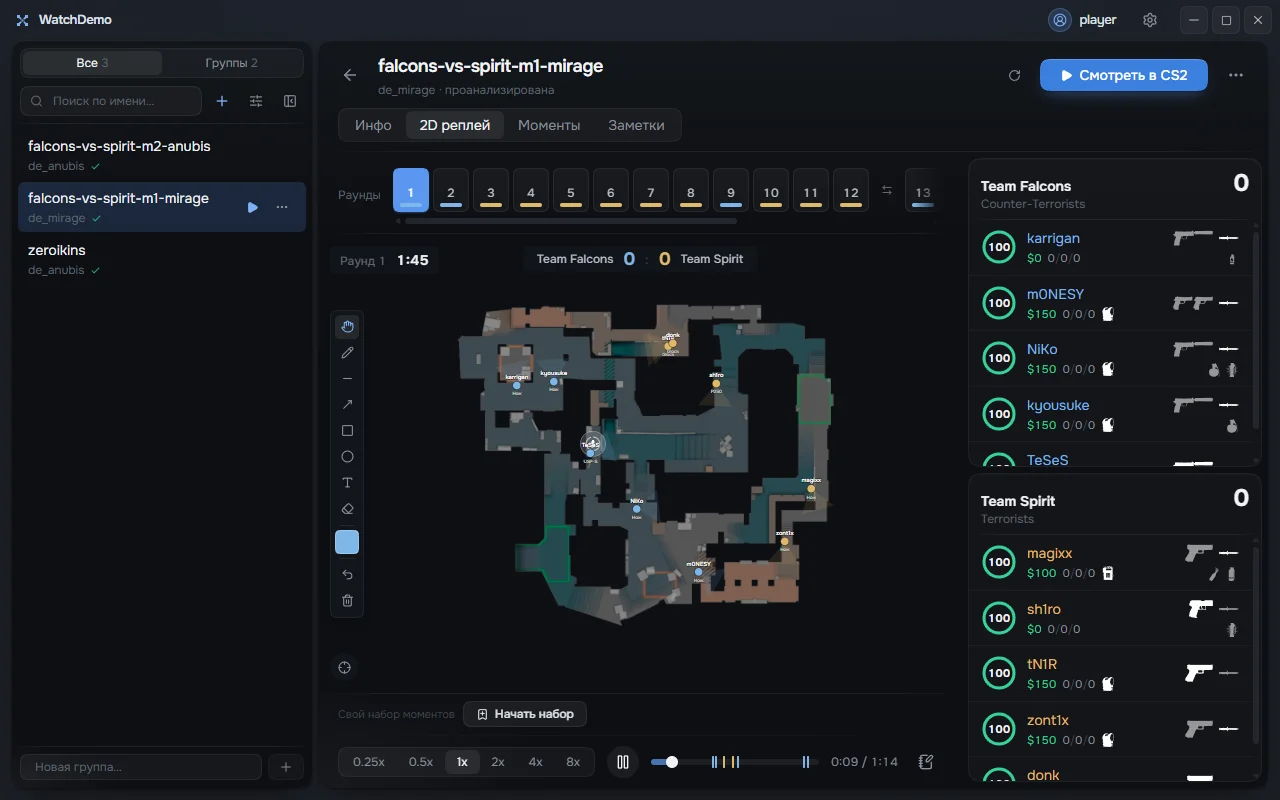
The round on the radar: positions, view direction, grenades and the bomb. Team voice plays in step with the map, speed runs from 0.25x to 8x, and you can draw on the map with lines, arrows, boxes and text.
Notes, groups and stats
1:10 bomb defused, round to CT
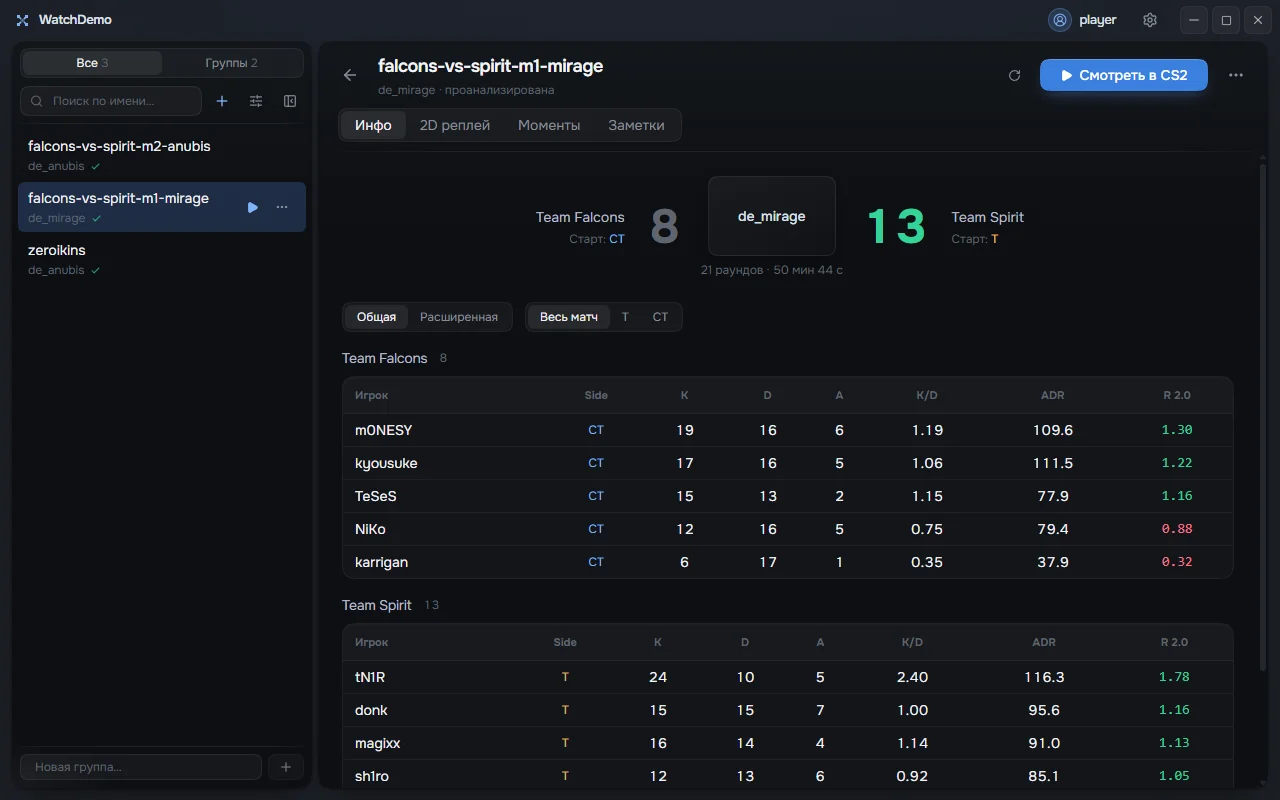
Write notes with timecodes on any demo. Sort demos into groups and find them by name. The Info tab shows the score, the rosters and every player’s stats: K/D, ADR and rating.
Open your own demo
Add demos by dragging them into the app window. Watching in the game needs CS2 installed.